

You Must Have
When people talk about productivity, they usually prefer using popular apps like Notion, Trello, or Google Calendar.
But the truth is, sometimes it’s not about using popular apps from big companies— it’s about using the ones that make your workflow simpler and faster.
So, after experimenting with dozens of tools for writing, coding, and managing tasks, I found these 5 underrated apps that you might not have heard of — but they’re great for productivity.
Let’s get started…
1. Flow Launcher — The Mac Spotlight Feature For Windows
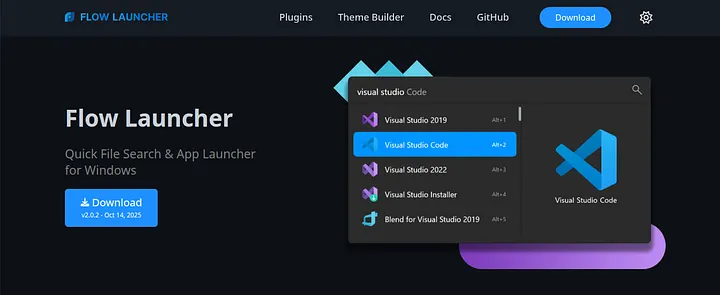
If you’ve ever seen how Mac users press Cmd + Space to search for anything instantly, then this tool is for you.
Flow Launcher brings that feature to Windows.
You can open apps, search the web, do quick calculations, and even run commands — all without touching your mouse.
I use it every day to switch apps or open files in seconds.
Why it’s great: It saves microseconds on every action — and those seconds add up to hours every week.
2. TickTick — The To-Do App That Actually Keeps You Going
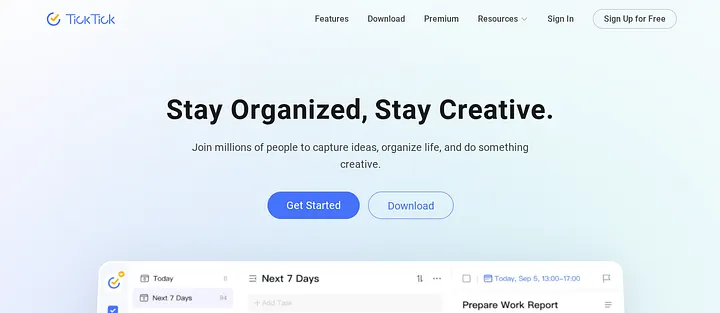
TickTick is a simple yet powerful task manager that blends a to-do list with a habit tracker and calendar.
It’s lighter than Notion, faster than Todoist, and has a clean interface that doesn’t overwhelm you.
What I love the most is the built-in Pomodoro timer. You can focus, take breaks, and track your progress without switching between apps.
Why it’s great: Combines productivity and focus in one place — perfect for creators and students.
3. ShareX — The Screenshot Tool That Does Everything
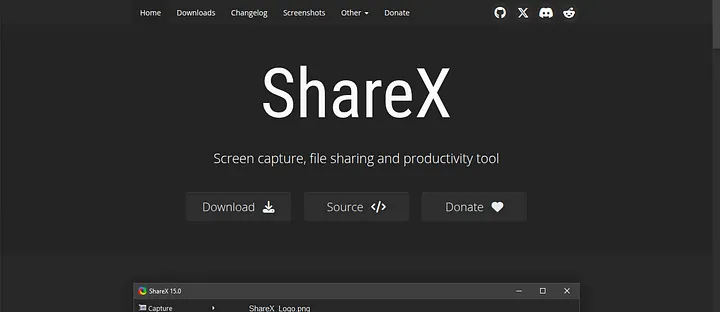
Still using the Print Screen key to take screenshots? Forget that.
Now you can use ShareX to capture, record, annotate, and instantly upload screenshots anywhere.
Whether you’re a developer sharing code snippets or a student creating quick notes, ShareX is your friend.
It even lets you record GIFs or short screen videos for tutorials.
Why it’s great: Once you use it, you’ll never go back to the old screenshot method again.
4. Obsidian — The Second Brain App
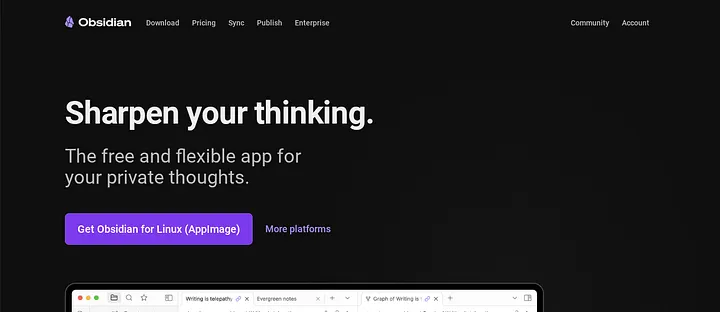
Obsidian is like a digital notebook — but with superpowers.
You can connect ideas like a mind map, create notes that link to each other, and build your own “second brain.”
It’s perfect for learning, research, or journaling your ideas. I use it to organize notes for my blog posts, book ideas, and content.
Why it’s great: Turns your random thoughts into an interconnected knowledge system.
5. OneTab — The Chrome Extension You Didn’t Know You Needed
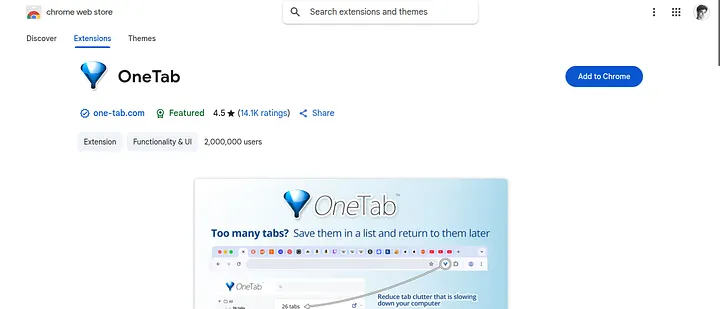
If you’re like me and always have 20+ tabs open, OneTab is a must-have tool for you.
With one click, it saves all your tabs into a list, clears your memory usage, and keeps your browser lightning fast.
It’s simple but incredibly effective — your laptop battery will thank you.
Why it’s great: Declutters your browser and your brain.
Final Thought
Productivity doesn’t come from using more tools — it comes from using the right ones that make your workflow lighter and smarter.
Each of these apps taught me that small tweaks in your system can create big results over time.
Try one or two today.
You’ll be surprised how instantly your day starts feeling smoother.